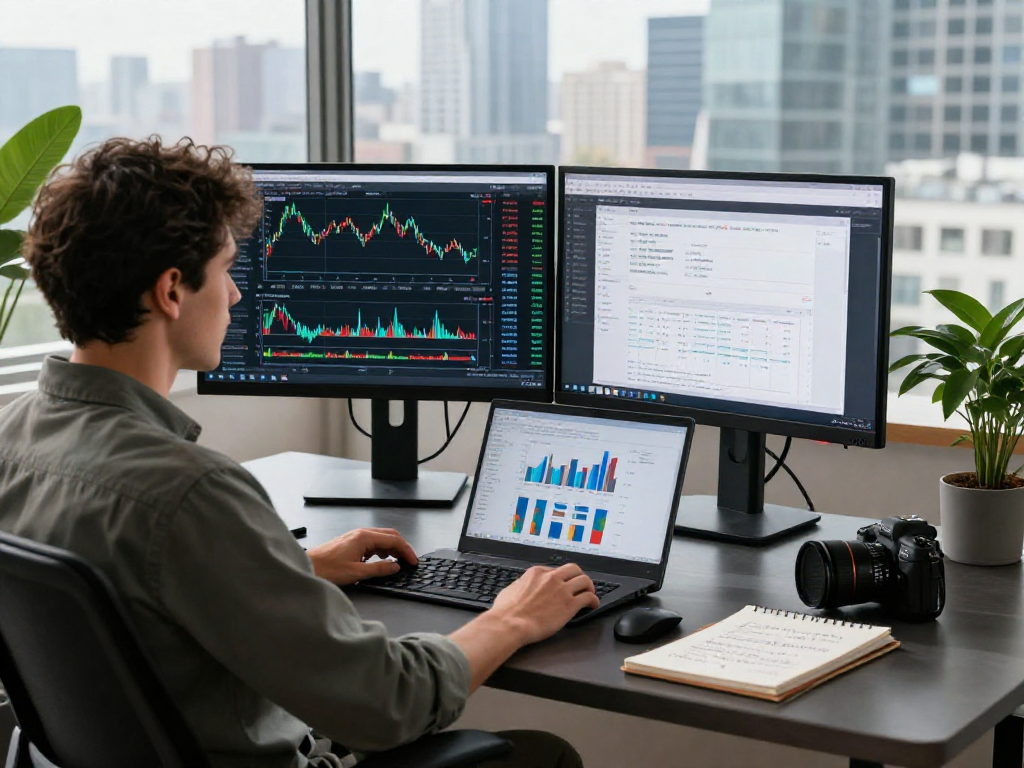
Understanding the Power of TradingView
In today’s fast-paced trading environment, having the right tools at your disposal can make all the difference for traders of all levels. TradingView stands out as a powerful platform that integrates charting, technical analysis, and trading community features in one user-friendly interface. Traders can track stocks, forex, cryptocurrencies, and more, all while benefiting from a suite of tools designed to enhance their trading experience. As we delve into the capabilities of TradingView, you’ll discover how it can transform your approach to market analysis and decision-making.
What Makes TradingView Unique in the Trading Landscape?
TradingView differentiates itself with its comprehensive charting tools, social networking features, and a wide range of assets available for analysis. Unlike many traditional platforms, TradingView allows for real-time sharing of insights and strategies among traders. This collaborative environment fosters a community where novice and experienced traders alike can learn and grow.
Moreover, TradingView provides a customizable interface, enabling users to tailor their workspace according to their specific trading strategies. The integration of Pine Script, TradingView's proprietary scripting language, allows users to create custom indicators and algorithms, distinguishing it from other charting solutions.
Key Features That Enhance Trading Experience
- Multi-Asset Support: Whether you’re into stocks, forex, cryptocurrencies, or derivatives, TradingView covers it all under one roof.
- Advanced Charting Tools: Utilize a variety of chart styles, time frames, and technical indicators to analyze market trends effectively.
- Alerts and Notifications: Set up price alerts and notifications based on specific market conditions or custom criteria using Pine Script.
- Community Insights: Engage with a global community of traders, share your perspectives, and learn from their strategies.
Common Misconceptions About TradingView
Despite its growing popularity, several misconceptions about TradingView persist. One common belief is that TradingView is solely for professional traders. In reality, its user-friendly interface makes it accessible to anyone interested in trading, regardless of experience level. Furthermore, while TradingView offers premium subscriptions, many of its features are available for free, making it a viable option for traders on any budget.
Setting Up a TradingView Account
Step-by-Step Account Creation Guide
Getting started with TradingView is a straightforward process. First, visit the TradingView website and click on the "Join for free" button. You can sign up using your email address, Google account, or social media logins, making the registration process simple and quick. Once registered, you will have access to the platform’s core features and can start customizing your charts and watchlists.
Optimizing Your Profile for Trading Success
After creating your account, it’s essential to optimize your profile. Adding a profile picture and a brief bio can help you connect with other traders. Moreover, following other users and interacting with their content will enhance your learning experience and expand your network within the TradingView ecosystem.
Understanding Subscription Options and Benefits
TradingView offers several subscription plans, each designed to cater to different trading needs. The free plan provides access to essential tools, while the Pro, Pro+, and Premium plans unlock advanced features such as more indicators per chart, more charts in one layout, and advanced customer support. By assessing your trading style and frequency, you can choose the plan that best fits your requirements.
Mastering TradingView's Charting Tools
How to Customize Your Charts for Maximum Insight
One of the standout features of TradingView is its highly customizable charting options. Users can choose from a variety of chart types, including candlestick, bar, and line charts. By adjusting colors, styles, and layouts, you can create a personalized charting experience that not only enhances your analytical capabilities but also improves your overall usability and comfort.
Integrating Indicators and Tools Effectively
Integrating indicators and tools into your charts can provide deeper insights into market movements. TradingView allows users to overlay multiple indicators such as moving averages, RSI, and MACD seamlessly. This flexibility enables traders to develop strategies that fit their unique trading styles, whether they prefer short-term scalping or long-term investing.
Utilizing Multiple Chart Layouts for Diverse Strategies
For traders utilizing various strategies, TradingView’s multi-chart layout feature proves invaluable. You can analyze different assets or timeframes simultaneously, allowing for holistic market analysis. This is especially useful during volatile market conditions when quick decisions are necessary.
Utilizing Alerts and Notifications
Setting Up Price Alerts for Smart Trading Decisions
Setting up price alerts on TradingView ensures that you are notified when an asset reaches a specific price point. This feature can help you capitalize on opportunities without having to monitor your charts continuously. Alerts can be configured based on price movements, technical indicators, or other personalized criteria.
Creating Custom Alerts with Pine Script
Pine Script not only allows you to create custom indicators but also custom alerts. By writing simple scripts, you can define specific conditions that trigger an alert, tailoring your notifications to align perfectly with your trading strategy.
Staying Informed with Economic Events and News Feeds
TradingView integrates economic calendars and news feeds that keep traders informed about global market events. Being aware of major news releases can help you anticipate market movements and plan your trades accordingly. This function reduces the likelihood of being caught off guard by unexpected price shifts.
Developing Strategies with TradingView
Utilizing the Strategy Tester for Backtesting
TradingView’s Strategy Tester allows you to backtest your trading strategies using historical data. By analyzing how your strategy would have performed in the past, you can refine your approach before risking real capital. This feature is essential for developing a robust trading plan that minimizes losses.
Building and Iterating on Trading Strategies
Developing a trading strategy is not a one-time event but a continuous process. TradingView facilitates this by allowing you to document your trades, strategies, and outcomes. This analytical approach aids in iterative improvements, helping traders adapt to changing market conditions.
Engaging with the Community for Insights and Feedback
The TradingView community is a treasure trove of insights and feedback. By sharing your strategies and analyses, you can receive constructive criticism and suggestions from fellow traders. Engaging in this interactive environment not only enhances your skills but also fosters a collaborative learning experience.
How to Make the Most of TradingView's Community Features?
To maximize your experience within the TradingView community, actively participate in discussions and contribute to forums. Providing feedback on others’ analyses and sharing your successes can build your reputation as a knowledgeable trader. Additionally, following influential traders and analysts can keep you informed about market trends.
Future Trends in Trading Technology: What to Expect in 2026
As the trading landscape evolves, platforms like TradingView will continue to enhance their offerings. We can expect advancements in artificial intelligence to provide even smarter trading tools, more in-depth analytical capabilities, and an overall more intuitive user experience. Furthermore, increased integration with brokerage firms and market data providers will streamline the trading process, making it more efficient for users.